
Google Play Store PC
Google Play is Google's digital distribution platform. On Windows, Google offers Play content through the browser and Google Play Games on PC.
52.9 MB

Nero is a Windows software family from Nero AG, best known for Nero Burning ROM for writing CDs, DVDs and Blu-ray discs.
Average 0.0 · ratings: 0
Thank you! Your rating is saved; you can change it. Could not save the rating. Please try again later. Too many ratings from your network today. Please try again tomorrow. The average appears after 5 ratings.
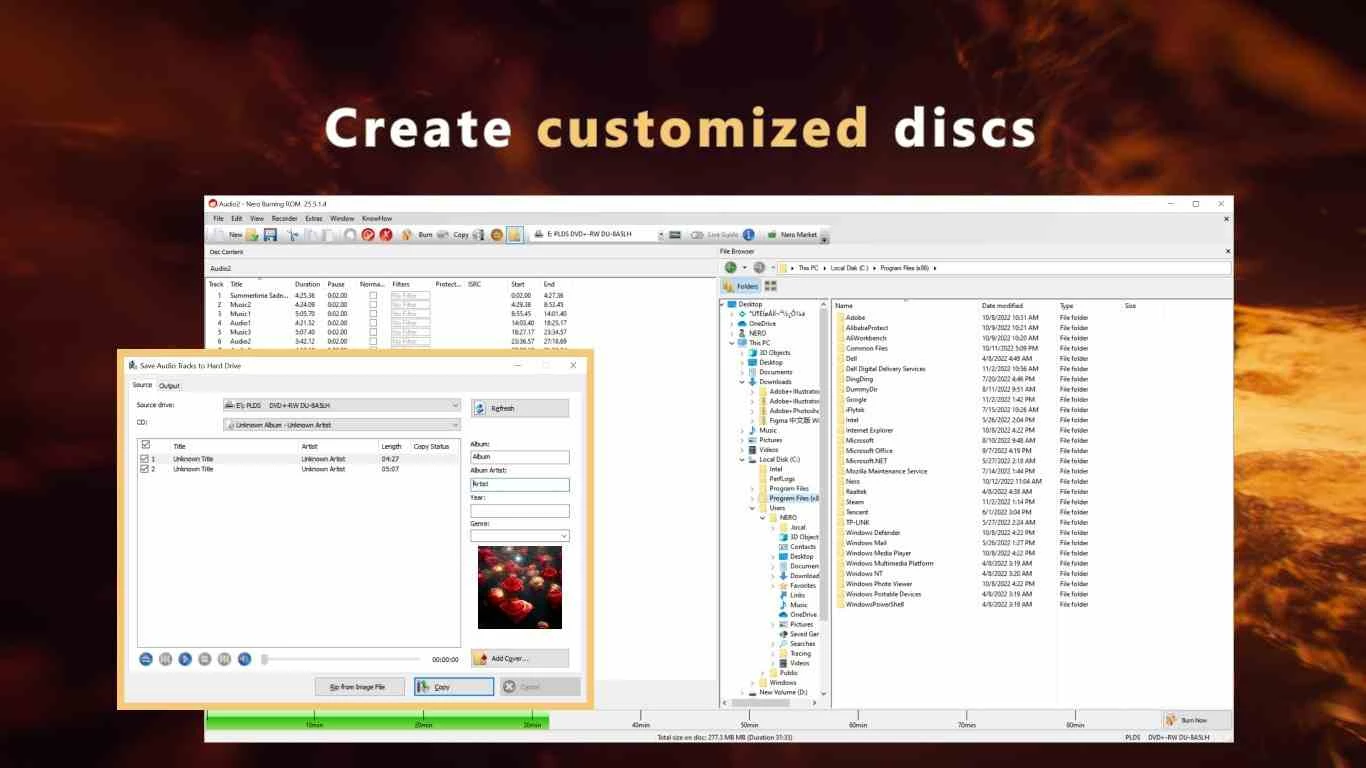
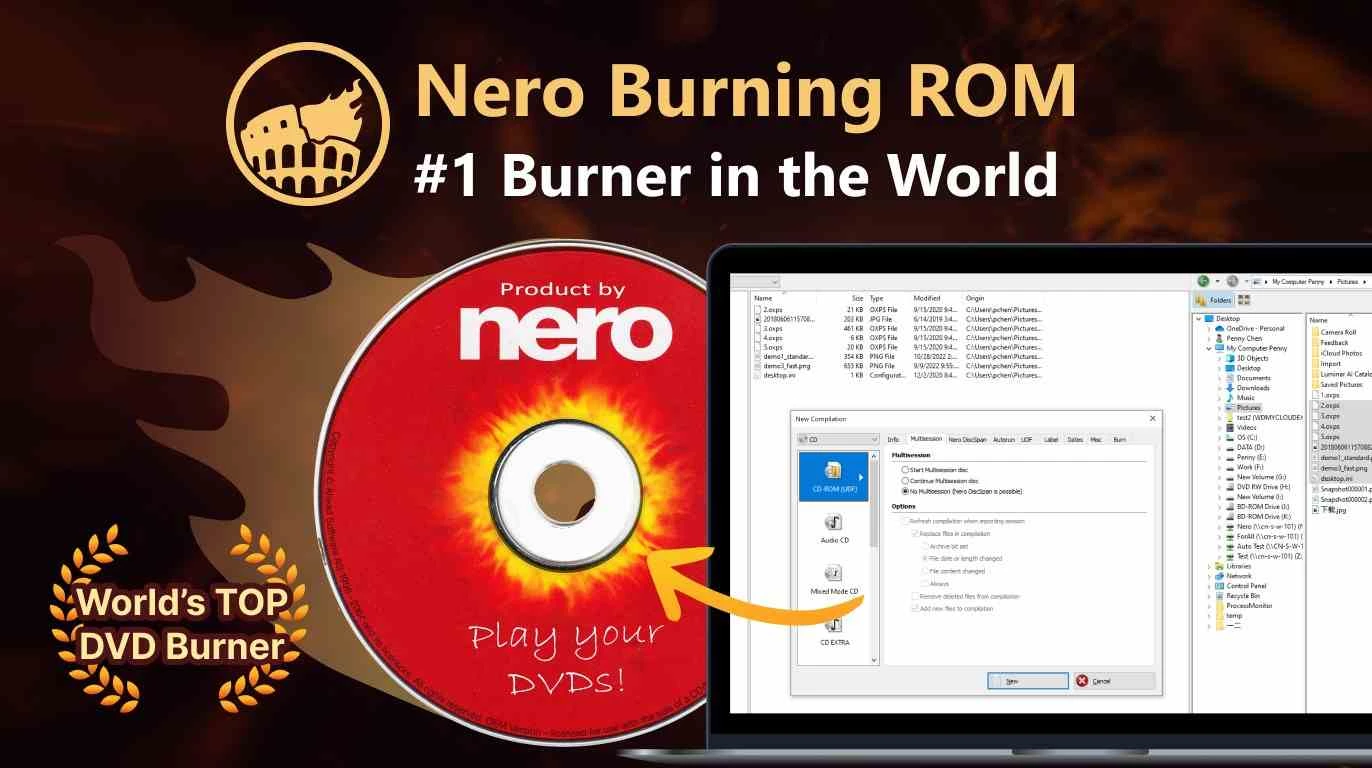
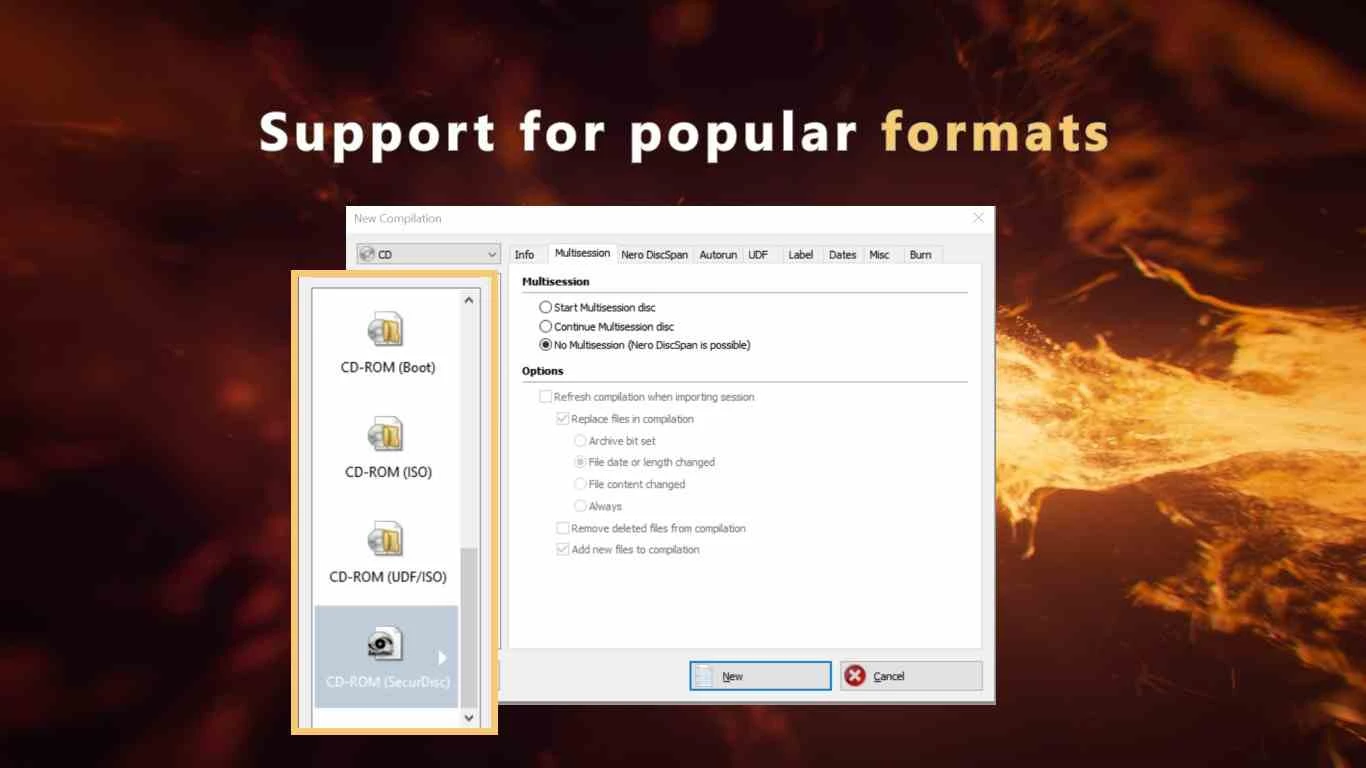
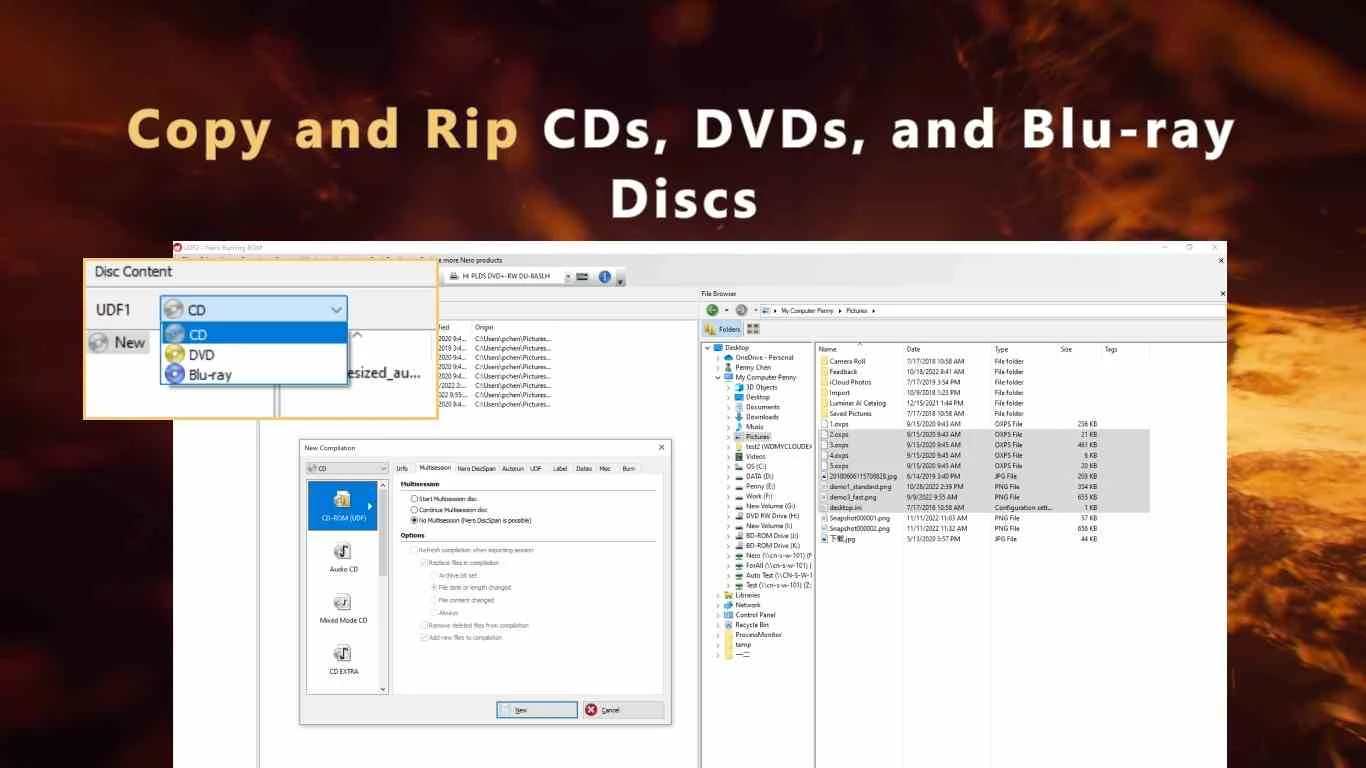
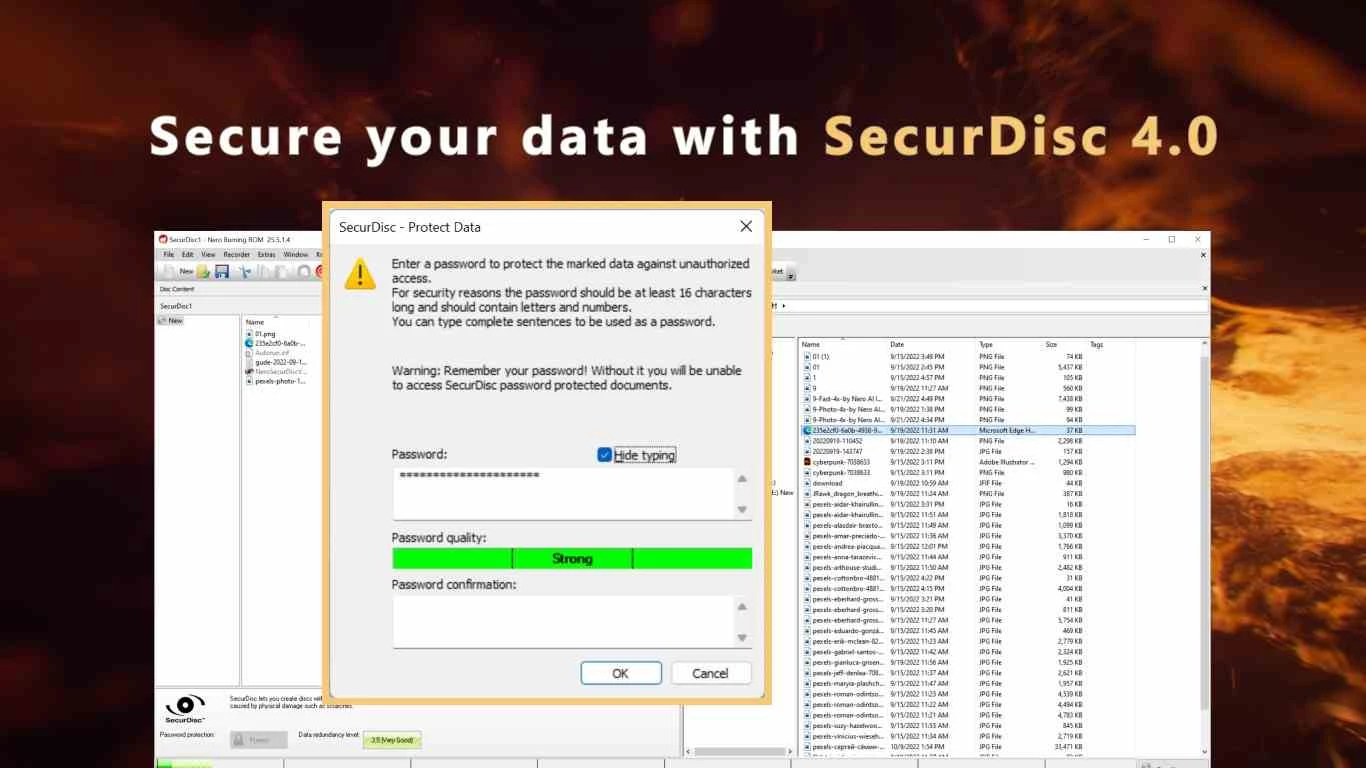
Nero is a family of Windows programs from Nero AG, built around Nero Burning ROM, a disc authoring tool first released in 1997. The version listed on this page, 3.2.14.0, is the Microsoft Store app of Nero Burning ROM, which works by subscription. People download Nero to burn data, music and video to CDs, DVDs and Blu-ray discs, or to write disc images.
For many PC users, the name Nero is linked with the era of CD burners, when Nero Burning ROM was the program that came with almost every drive. The core idea has not changed: you choose a disc type, drag files into a compilation and write it, with control over speed, file system, multisession and verification afterwards. Nero also creates and burns disc images, copies discs, and makes audio CDs from music files with automatic normalisation. Over the years the company also released tools for video editing, media playback, backup and file recovery. They are separate products with their own plans; the Store app described here is the burning program itself, installed and updated through the Microsoft Store.
Nero recommends a 2 GHz AMD or Intel processor, 1 GB RAM and 5 GB hard drive space for a typical installation of all components. Windows 10 64 bit and Windows 11 64 bit are recommended; on 64-bit systems some applications run in 32-bit emulation mode. Needed components such as Microsoft .NET or DirectX are included or downloaded during setup. See the official requirements. A disc writer is required for burning.
The Store package is about 65.2 MB according to catalogue data.
Nero Burning ROM from the Microsoft Store is paid software sold by subscription; current prices are on nero.com.
Avoid cracked Nero copies from warez sites, which are a well-known malware carrier. Burning disc images from unknown sources carries the same risks as running their files.
UltraISO on our site creates and edits disc images, and Rufus writes bootable USB drives, which have replaced discs for many tasks.
Google Play is Google's digital distribution platform. On Windows, Google offers Play content through the browser and Google Play Games on PC.
Media Creation Tool is a free Microsoft utility that downloads Windows and turns it into a bootable USB flash drive or an ISO file.

LDPlayer is an Android emulator for Windows that runs mobile apps and games on a computer.

BlueStacks is an Android emulator for Windows that lets you run Android apps and games on your PC.
Rufus is a free Windows utility that turns a USB stick into a bootable installer. The current version is 4.15.

PC App Store is a free software store for Windows from Baidu for finding, installing and updating PC programs. This page covers version 5.0.1.8682.

Uptodown App Store for Windows is the desktop client of Uptodown, a marketplace for desktop software and mobile apps. This page covers version 1.0.3.
NoxPlayer is a free Android emulator from Bignox for Windows and macOS that runs mobile games and apps on a computer with keyboard and mouse control.